
New Sex Positions
Two new positions: Standing & On Top
Two new intimate positions are now available, each featuring their own animations and character reactions.
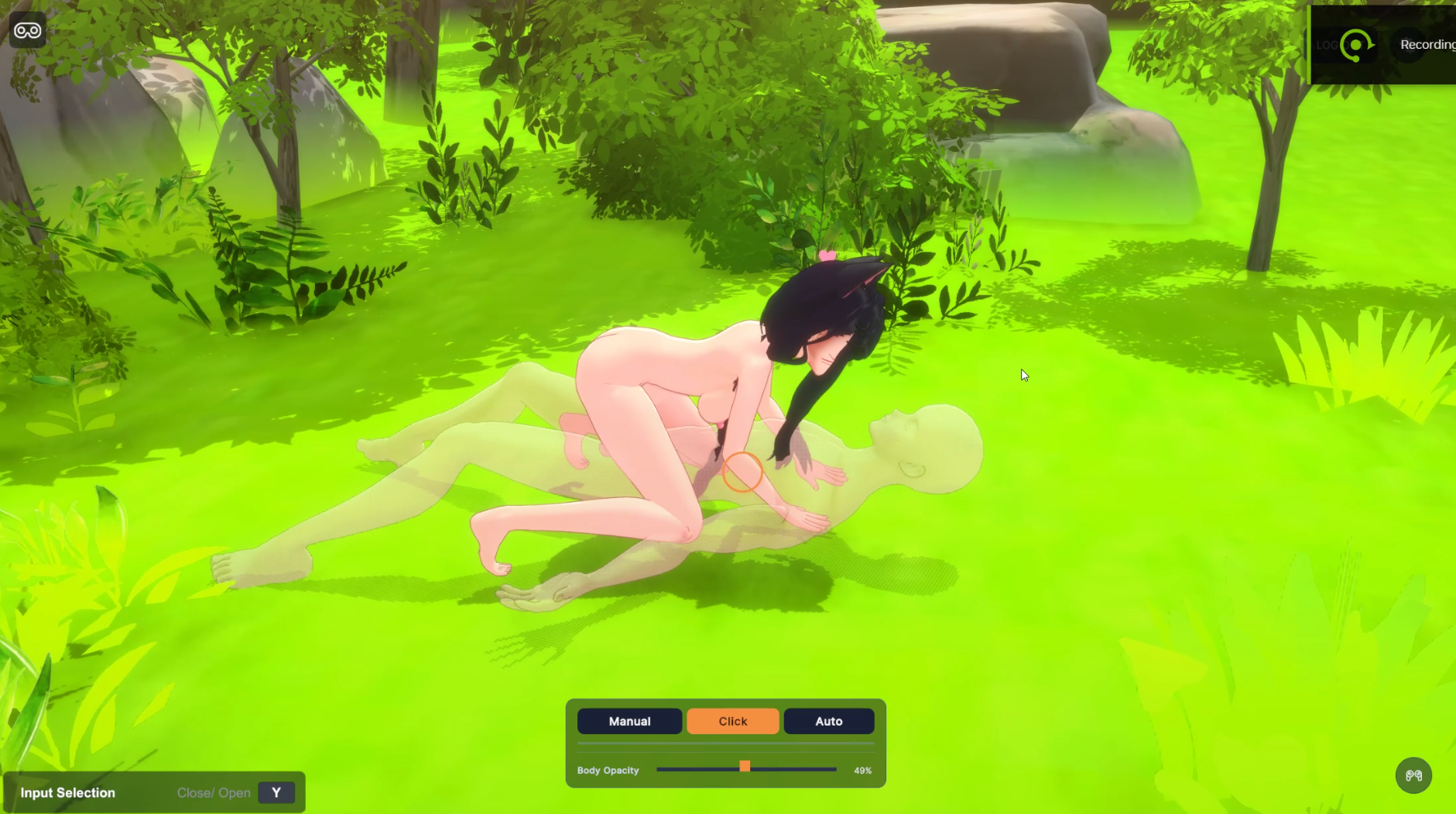
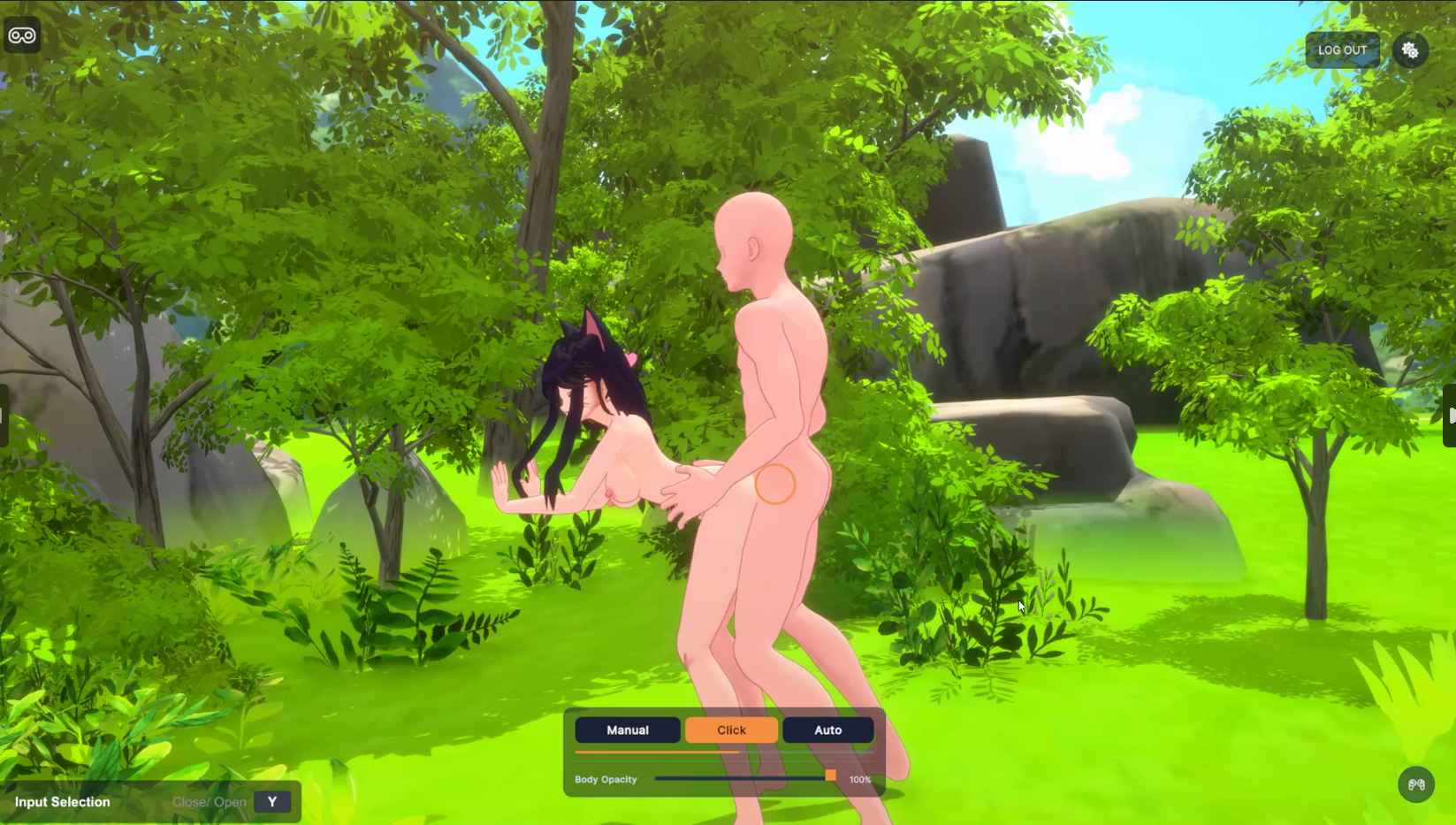
Smoother intimate movement
Improved Click and Auto controls for smoother movement, reduced unexpected slipping out, and fixed movement occasionally getting stuck at the end of a stroke.
Better character alignment
Positioning now adapts better to characters of different heights, with more natural upper-body movement and reduced hand clipping in Standing and Doggy Style.
Better-paced reactions
Character reactions now follow the rhythm and pace of your movements more closely across all four positions.
Character & Clothing Improvements
Improved clothing visibility
Reduced skin showing through clothing on imported characters and fixed clothing disappearing from certain viewing angles. Skin will still become visible naturally when clothing is pulled aside or removed.
Better undressing support for imported characters
Imported characters can now partially undress when certain clothing needs to remain equipped to prevent visible holes in the body. Clothing and accessory recognition has also been improved while keeping skin from showing through garments that stay on.
Smoother character loading
Reduced processing overhead and interruptions while preparing imported characters, making loading feel smoother.
VR Improvements
More tactile VR buttons
VR buttons now visibly move inward when touched, with clearer contact rings and press feedback. Deep presses and finger withdrawal are also detected more reliably.
Easier grab-and-pull movement
Relaxed the hand gesture requirements for grab-and-pull locomotion and improved handling of tracking interruptions to reduce unintended movement.
Fixed VR head tracking
Resolved an issue that could prevent the camera from following your headset correctly after startup.
Move chat panels naturally
You can now grab the VR chat controls or keyboard and reposition them naturally. Pull them closer to make them follow you, or push them farther away to keep them fixed in place. A placement hint shows what will happen before you release them.
Clearer VR tutorials
Tutorial panels now automatically find available space around other menus and the keyboard. The floating menu has also been moved farther away for more comfortable viewing.
UI & Chat Improvements
Menu click sounds
Added audio feedback when activating buttons, selecting characters, and interacting with menu controls.
Styled player narration
Text written between asterisks now appears in pink italics across desktop chat, VR messages, and chat history.